What a senior living website needs in the first five seconds
The five-second test for senior living websites. What a 55-year-old daughter doing midnight research needs to see immediately, and the design decisions that decide whether she submits a tour request or closes the tab.
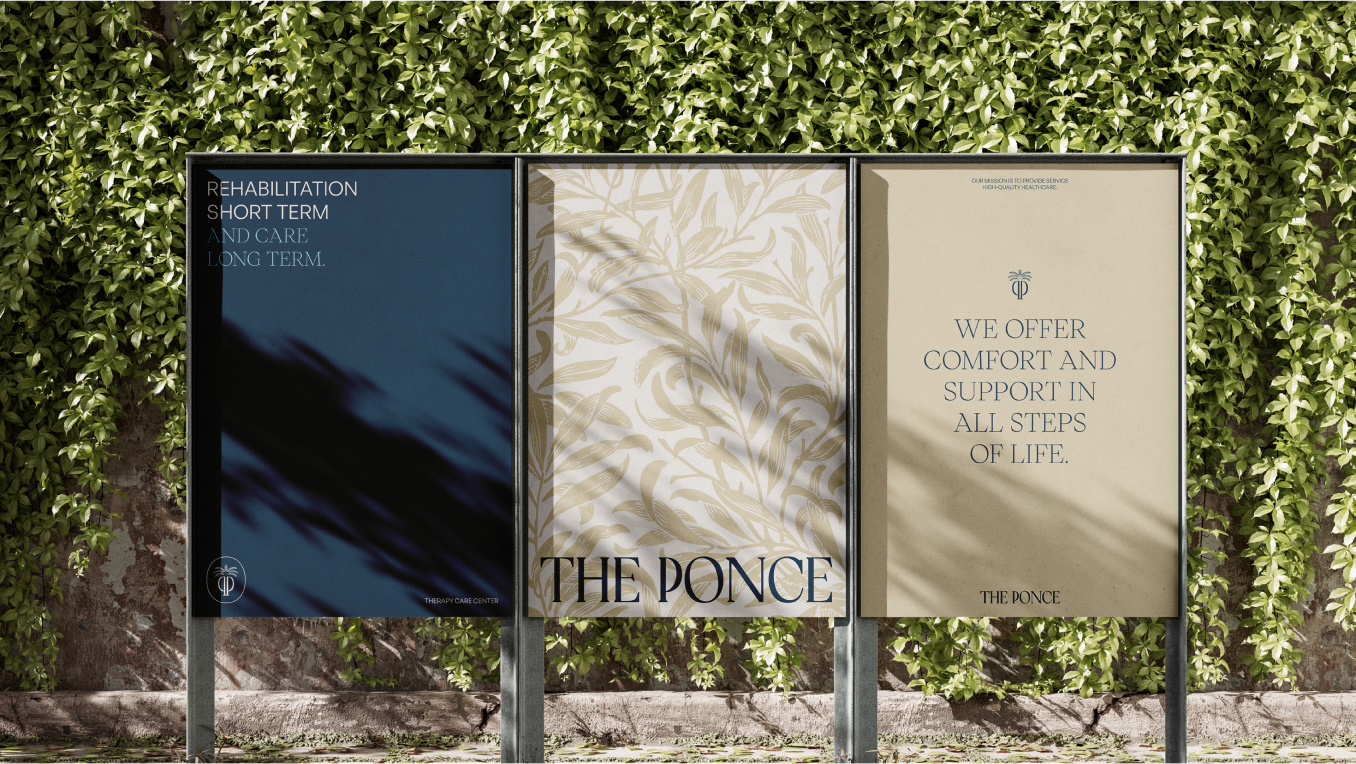
The senior living website conversion battle is fought in the first five seconds. Every other design decision, every word of body copy, every interior page is downstream of what the visitor sees on the home page in the seconds before her thumb finds the close button.
The visitor profile that matters: a 55-year-old daughter, on her phone, on a Tuesday at 11pm, after a long day that probably included a difficult conversation with a parent. She’s not browsing leisurely. She’s filtering hard.
This is what she needs to see in those first five seconds.
Question 1: “What is this place?”
The single most important question. If she can’t answer it instantly, she doesn’t have a starting point for any other thought.
Most senior living websites fail this test. The home page hero says “Where every day feels like home” or “Living the life you’ve earned” or some other aspirational line. None of those tell her whether this is independent living for active retirees or memory care for advanced dementia.
She has to scroll, navigate, or click to figure it out. Most won’t.
The answer to this question should be visible above the fold on mobile, in plain language, in 8-12 words:
- “Assisted living and memory care in West Orange, New Jersey”
- “Skilled nursing and rehab in Westchester County”
- “Independent and assisted living in Greater Atlanta”
Specificity is the asset. The community that names what it is, where it is, and who it serves answers her first question and earns the right to her second one.
Question 2: “Is this serious?”
Within the same five seconds, she’s making a credibility judgment based on visual cues. Photography quality. Typography. Layout. Load speed. The aesthetic baseline of the entire site.
What signals serious:
- Original photography of the actual building and actual residents (not stock)
- Clean typography that reads as confident, not desperate
- Sufficient white space, not crammed information
- Sub-three-second load on her phone
- A real photograph above the fold, not a stock illustration or generic graphic
What signals not-serious:
- Stock photography of generic seniors smiling in golden hour
- Animated banners with rotating taglines
- Hero videos that take 4 seconds to start playing
- A “lifestyle” aesthetic that looks like every other senior living site
- Visible clutter (ten different CTAs, multiple pop-ups, chat bots)
The unconscious filter she runs: “Does this look like a real, professionally-run operation?” If yes, she keeps reading. If no, she’s gone.
Question 3: “Where do I do something?”
If she’s interested, she needs to know what to do next. Not in the third paragraph, not in the navigation menu, not via a chat bot. Visible above the fold, on mobile, with a clear verb.
What works:
- A primary tour-request button or link, positioned where her thumb is already resting
- A phone number, visible and clickable
- A simple form with 3-4 fields max if she wants to inquire without calling
What doesn’t:
- “Learn More” as the primary CTA (what does that even mean?)
- A request to “join our community” before she knows what the community is
- Multiple competing CTAs at the same hierarchy level
- Forms with 12 fields, or forms that scroll off-screen on mobile
The friction reduction matters because she’s doing this at 11pm. If she has to think about how to inquire, she defers. The deferred inquiry is usually a lost inquiry.
Question 4: “Can I trust this?”
This question gets answered by accumulated signals, not a single element. But the first five seconds set the trust baseline, and a few specific cues do disproportionate work.
What builds trust above the fold:
- A real photograph of the actual building exterior, recognizable and grounded in place
- The leadership team’s first name, or a real photograph of someone who works there
- Specifics, not generics (“18-resident memory care wing with 1-to-5 staffing during day shift” beats “compassionate memory care environment”)
- An address, not just a city
- Reviews aggregated and visible (Google rating, “rated 4.8 across 87 reviews”)
What erodes trust:
- Stock photography (already covered, but it’s the biggest one)
- Vague claims about “decades of experience” without specifics
- “Family-owned and operated” without any actual family member visible anywhere
- Award badges from organizations she doesn’t recognize, displayed prominently
- Testimonials that read like they were written by a marketing department
She doesn’t articulate this filter. But she runs it.
What goes in the hero (the actual prescription)
Synthesizing the four questions, the home page hero for a senior living community needs:
Above the fold, mobile, in this priority:
- A clear identifier of what kind of community this is and where (8-12 words, plain language)
- A real photograph (the building exterior, a resident moment, or interior space, not a stock asset)
- A primary CTA with a decision verb (“Book a tour” or “Schedule a visit”)
- A phone number, clickable
- The community name and any sub-brand identifier
Just below the fold, still in the first scroll:
- A short paragraph (2-3 sentences) that names the differentiator
- A second CTA or trust signal (Google rating, leadership photo, address)
On second scroll:
- The deeper exploration begins. Care types, amenities, specific programs, leadership team.
The above-the-fold content has roughly 60-100 words to do its work. Every word matters. The senior living websites that convert at 5%+ have all worked this real estate carefully. The ones that convert at 0.5% have usually filled it with fluff.
The five-second test, applied
How to evaluate the existing home page:
Open the home page on a phone. Set a timer for 5 seconds. Look at the page. Then close the timer.
Without scrolling further, can you answer:
- What kind of community is this?
- Where is it?
- Is this a serious operation?
- What do I click to inquire?
If you can answer all four in five seconds, the hero is doing its job.
If you can only answer two, the hero is leaking visitors.
If you can only answer one (or none), the hero needs to be rebuilt.
This test is uncomfortable to run on your own site. It’s also the single most useful diagnostic in senior living website work.
What the rest of the home page does
Once the hero earns the visitor’s continued attention, the rest of the home page has a different job. It’s no longer trying to keep her on the site. It’s trying to give her enough specific information that she clicks into deeper pages or submits an inquiry.
What works on the rest of the home page:
- Care types overview (with images, not just text links)
- Specific amenities and programs (in proper hierarchy, not as a feature list)
- Leadership team (with real photos and roles)
- Recent news or community moments (proves the community is alive, not stagnant)
- Family resources (links to articles or guides that demonstrate genuine help)
- A second tour-request flow, lower on the page, for visitors who scrolled past the first
What doesn’t:
- “Why choose us” sections with generic claims
- Mission statements front and center (mission is interior page material)
- Long history paragraphs about the founders
- Testimonial carousels with pre-screened, marketing-toned quotes
The technical baseline that has to be there
The five-second test only matters if the page actually loads in five seconds. Many senior living websites don’t.
The technical floor:
- Mobile load time under 3 seconds on a real phone, not a desktop simulator
- Largest Contentful Paint (LCP) under 2.5 seconds
- Cumulative Layout Shift (CLS) under 0.1 (no jumping content as the page loads)
- First Input Delay or INP under 100ms (the page responds when she taps)
If these aren’t met, no design decision matters. The visitor never sees the hero clearly enough to evaluate it.
We covered the platform implications in Webflow vs WordPress for senior living websites. The newer platforms make these technical thresholds easier to hit.
What multi-facility operators get wrong on the home page
Multi-facility operators have a specific failure mode: they try to use the parent home page to introduce the entire portfolio.
The page becomes a “find a community” landing experience with a list of facilities, a map, and a search-by-care-type interface. The visitor who arrived because she Google’d a specific community name now has to filter through eight or twelve options to get back to what she was looking for.
The right architecture: each facility has its own dedicated page (or sub-site) with its own home page hero answering the four questions for that specific community. The parent home page is a different surface with a different job, primarily for prospects who haven’t yet narrowed to a specific community.
We covered the architecture choices in multi-facility senior living website architecture: one site or many.
What to do next
If the existing home page hero isn’t doing the work, the fix is usually a focused redesign of the above-the-fold zone rather than a full rebuild. Most home pages we work on need substantial changes in the first 600 pixels and only modest changes everywhere else.
The first move is the five-second test. Run it on your site. Run it on three competitors. The differences will tell you what’s working and what isn’t.
We work with senior living operators on website work as part of broader brand engagements. If you’re at the point where the home page is the diagnosed problem, send a note. The hero is the most cost-efficient piece of a website rebuild because it’s small surface area with disproportionate impact.
Related reading:
Turn visits into tours.
Your website has one job: get an anxious family to book a tour. This class covers the pages, proof, and paths that move a visitor from research to a scheduled visit.